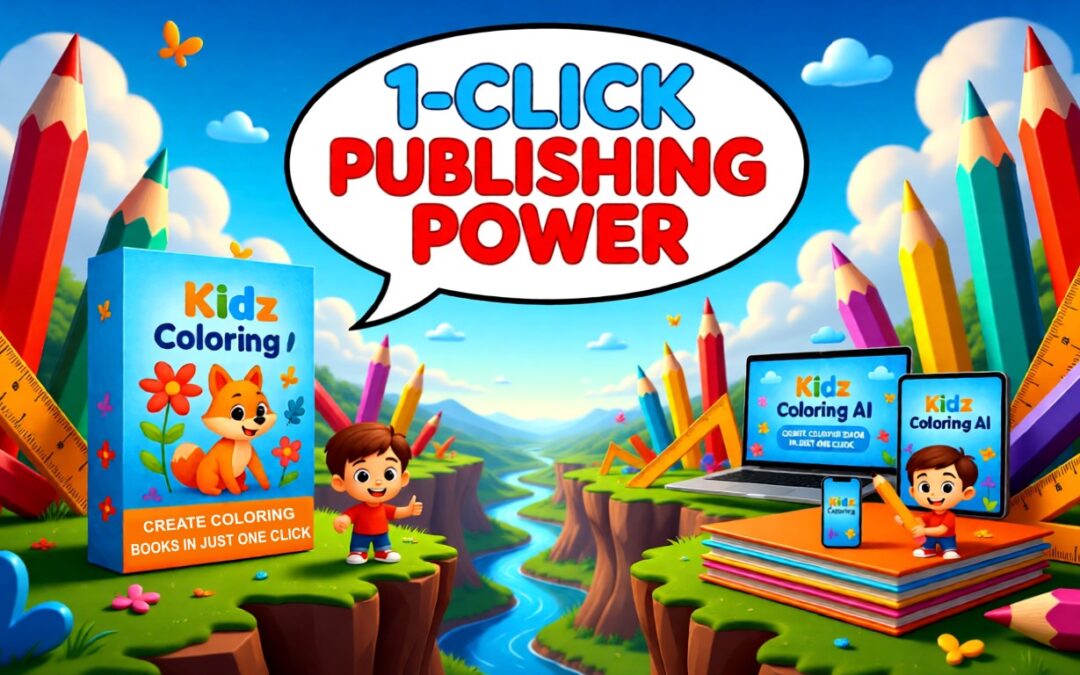
Create Kids Coloring Books Faster With AI-Powered Prompts
If you’ve ever tried creating kids coloring books for KDP, Etsy, or digital packs, you already know the biggest problem isn’t publishing — it’s coming up with consistent, kid-friendly ideas and prompts that actually work with AI image generators.
Kidz Coloring AI aims to solve that exact problem by automating the prompt creation process itself. Built by Pintu Bachar (TechnoPintu) and John Duhi, two well-known WarriorPlus vendors in the PLR coloring and Micro-SaaS space, this web-based tool promises to help you generate dozens of ready-to-use coloring prompts in minutes, even if you have zero design or prompt-writing experience.
Instead of spending hours brainstorming or paying freelancers, Kidz Coloring AI positions itself as a prompt generator SaaS designed specifically for the kids coloring book market.
Preview: What Kidz Coloring AI Produces


Now that you’ve seen what Kidz Coloring AI looks like in action, let’s break down exactly what’s included, how it works, and whether it’s worth adding to your coloring business toolkit.
Product Overview
Product Name: Kidz Coloring AI
Creators: Pintu Bachar (TechnoPintu) & John Duhi
Launch Price: $17 (with an additional $2 discount during launch)
Platform: Web-based AI prompt generator
Guarantee: 30-day money-back guarantee
Kidz Coloring AI is an AI-powered prompt generator designed to help you create kids coloring book prompts at scale. Instead of manually writing prompts for Midjourney, DALL·E, Leonardo AI, or similar tools, the app generates optimized prompts automatically — including both black-and-white line art pages and colored cover designs.
The focus is speed, consistency, and scalability for anyone publishing kids coloring content.
What’s inside Kidz Coloring AI
Core features and how they help
- Bulk prompt generation, up to 50 at once
- Line art + color ready prompts
-
- Each prompt is tuned for both B/W line drawings for interiors and vibrant colored pages for covers, meaning you can use prompts for both the internal coloring pages and the product covers without separate drafting.
- This dual setup aims to give you a complete product package quickly—color covers to attract attention and line art interiors kids can actually color.
-
- Customizable style, difficulty, and line thickness
- Theme selection with wide variety
- CSV export for bulk workflows
- Web app built for speed and productivity
Bonuses included
-
- 1400 Ready‑Made Christmas Coloring Pack
- 1000 Kids Activity Worksheet Templates (Canva editable)
- 3000 PixelArt Mega Prompt Bundle
- Step‑by‑Step User Guide
- 1‑Year Email Support
These bonuses add real starting assets that can help publish multiple seasonal or niche offerings quickly, not just test the app once.
Optional OTOs / upsells
You get additional bundles and upgrades if desired:
-
- OTO 1: Cool Animals Coloring Book Bundle — $27
- OTO 2: Fruit & Vegetable House Coloring Bundle — $24.95
- OTO 3: Kidz Coloring AI Upgrade — $27
- OTO 4: Quotes Coloring Book Bundle — $27
Best use: jump into the core tool first; purchase upsells only if you want more ready‑made content or extended feature sets beyond the base prompt generator.
Pros and Cons
Pros
-
- Massive time savings on prompt writing and idea generation.
- Beginner‑friendly—no design or prompt craft skills required to start producing usable prompts.
- Scalable output with batches and CSV export, well suited to creators wanting to produce multiple books quickly.
- Kid‑specific focus makes it more targeted than general prompt tools.
- Commercial rights for selling content noted on the sales page.
- Low entry price during launch, lowering risk to try.
- Meaningful bonuses that help you publish or add value to offers beyond the tool itself.
Cons
-
- Requires your own Google Gemini API key, adding a small setup step and potential extra cost depending on usage.
- It doesn’t generate final images inside the app; you still need an image‑generation tool to produce the actual artwork from prompts, though the prompts are optimized for that.
- Targeted at kids coloring niche; not optimal for adult or highly detailed artistic coloring books.
Who Is This For?
Kidz Coloring AI is ideal for:
-
- KDP & Etsy coloring book sellers
- PLR creators building kids products
- Digital publishers & printables sellers
- Parents, educators, or homeschool creators
- Anyone tired of manual prompt writing
It’s not for users looking for a full image-generation tool inside the app — this is a prompt engine, not an image editor.
Frequently Asked Questions
Do I need design skills?
No. The prompts are AI-ready — just paste them into Midjourney, DALL·E, Leonardo AI, or similar tools.
Do I need my own API key?
Yes. The app uses Google Gemini, and you’ll need to add your API key once.
Can I sell the books I create?
Yes. You get commercial rights to use prompts for KDP, Etsy, printables, or client work.
Is there a refund policy?
Yes — a 30-day, 100% money-back guarantee.
Final Verdict
If you’re tired of staring at a blank screen, rewriting prompts, or paying freelancers just to keep your kids coloring projects moving, Kidz Coloring AI offers a faster, more scalable way forward.
With bulk prompt generation, kid-friendly themes, line-art-ready outputs, and commercial rights, this tool is built for creators who want to publish more books in less time—without needing design or AI prompt-writing skills.
👉 During the launch period, Kidz Coloring AI is available for just $17, with an extra $2 discount at checkout, and it’s backed by a 30-day money-back guarantee, so there’s virtually no risk to test it for yourself.
Click below to check out Kidz Coloring AI and see how quickly you can turn ideas into publish-ready kids coloring books.